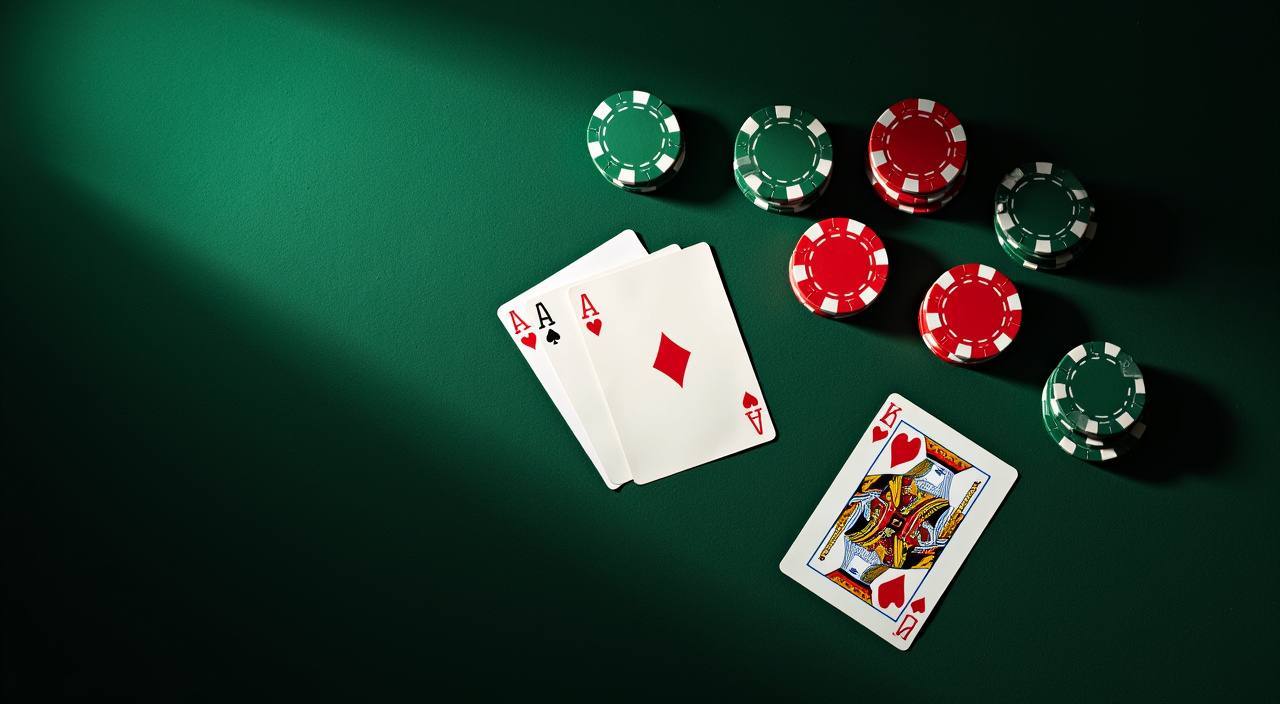
Blackjack Tablechamp sits in our table games section with a clean felt layout, standard 21 rules, and a betting range that works whether you are warming up or going deep into a session. Open your account, head to the table games lobby, and the seat is there.
Blackjack Tablechamp follows the classic structure — beat the dealer to 21 without going over, with hit, stand, double down and split all available from the main control row. The table uses a multi-deck shoe, and the card animation is kept tight so rounds move at a pace that suits mobile play. What sets this title apart from a generic blackjack skin is the stat panel running alongside the hand: it tracks your session count, current streak and last five outcomes so you can read your own rhythm without leaving the table. The dealer's upcard is large and readable even on a small screen, and the chip tray snaps to the bottom of the portrait view where your thumb naturally rests. RTP information is shown where the game provider exposes it — check the table info panel before your first hand.
GAMEPLAY MECHANICS
How Blackjack Tablechamp Plays Round by Round
Bet Entry and Chip Tray
Tap a chip value from the tray at the bottom of the screen, then tap the betting circle to place it. You can stack multiple chip denominations in one go. The clear button removes the last chip added, and the repeat button restores your previous round's stake exactly as it was.
Hit, Stand, Double and Split
All four core actions appear as large tap targets once your cards are dealt. Double down locks in an extra bet equal to your original stake and draws one final card. Split is available when your first two cards share the same value, opening a second hand played independently through to resolution.
Session Stat Panel
A compact panel beside the table tracks hands played, wins, losses and your current streak in the session. It resets when you leave the table. This is display data only — it does not affect the game outcome — but it gives you a quick read on how the session is running without needing to count manually.
Round Speed and Animation Control
Blackjack Tablechamp includes a speed toggle that shortens card-deal animation for players who prefer a faster rhythm. At full speed, a hand from deal to resolution takes a few seconds. The toggle is in the settings icon at the top corner of the table and persists across rounds until you change it.
GAME TRANSPARENCY
Blackjack Tablechamp — Key Game Details
Game Type
Multi-deck classic blackjack table game with standard 21 rules, hit-stand-double-split mechanics, and a session stat display panel.
Volatility Profile
Blackjack carries lower variance than slots by design — outcomes depend on both the dealt cards and your decision on each action. The house edge is determined by the rule set; check the table info panel for the specific configuration in this title.
Supported Devices
Blackjack Tablechamp runs in the mobile browser without a separate download. Portrait and landscape both work; portrait keeps the chip tray and action buttons in thumb reach. Desktop play is available through the same account.
Access and Eligibility
Availability depends on your local law and eligible region. Log in to your winadda account and open the table games section to confirm whether Blackjack Tablechamp is accessible from your location.
PHONE TABLE EXPERIENCE
Blackjack Tablechamp on a Small Screen
In portrait mode, Blackjack Tablechamp stacks the dealer zone at the top, your hand in the middle, and the chip tray plus action buttons at the bottom — everything reachable without shifting your grip. The dealer's upcard scales up so the suit and value read clearly at arm's length. Switching to landscape widens the felt and brings the stat panel into view alongside the hand rather than tucking it behind a menu. During a live round, the hit, stand, double and split buttons stay locked to the lower third of the screen so a stray scroll gesture does not accidentally dismiss them. The paytable and rule sheet open as an overlay from the info icon; you can read the double-down and split conditions mid-session without leaving the table.
Portrait chip tray at thumb level
Landscape stat panel visible
Dealer upcard scaled for small screens
Action buttons locked during live round
HELP AT THE TABLE
Getting Help with Blackjack Tablechamp
In-Game Rule Sheet
Tap the info icon at the top of the Blackjack Tablechamp table to open the rule sheet. It covers the deck count, double-down conditions, split rules and payout ratios for this specific table configuration.
Account and Round History
If a round result looks wrong, check your account transaction history first — each completed hand logs the stake, outcome and payout. If the record does not match what you saw, contact our support team with the round reference shown in the log.
Live Chat Support
Reach our support team through the live chat icon in your account dashboard. Have your account ID and the approximate time of the hand ready. Support can review round data on their end and follow up on any table game query you raise.
FAIRNESS AND PROVIDER
Why Blackjack Tablechamp Rounds Are Verifiable
Certified Game Engine
Blackjack Tablechamp runs on a certified random number generator. The card draw for each hand is determined by the RNG at the moment of deal, not influenced by previous rounds or session length. Certification details are shown in the game's info panel.
Round History on Your Account
Every hand you play is recorded in your account transaction log with stake, cards dealt, action taken and payout. You can cross-check any round result against this log at any time after the session ends.
Studio Content on winadda
Table game content on winadda comes from studios including Habanero, Pragmatic Play and CQ9. These providers supply the game engine and visual layer; the titles available in your lobby are the ones you can verify by browsing the table games section after login.
Transparent RTP Display
RTP for Blackjack Tablechamp is shown only where the provider exposes it in the game interface. We do not publish figures the provider has not confirmed. Open the table info panel to see what is disclosed for this specific title.
TERM DEFINITIONS
Blackjack Tablechamp — Terms Explained
What is a soft hand in blackjack?
A soft hand contains an Ace counted as 11 without busting. Soft 17 means Ace plus 6. Because the Ace can drop to 1, you can hit a soft hand without the same bust risk as a hard total of the same number.
What does double down mean in Blackjack Tablechamp?
Double down lets you place an additional bet equal to your original stake after seeing your first two cards. You then receive exactly one more card and stand. It is most useful when your total is 9, 10 or 11 against a weak dealer upcard.
What is a push in blackjack?
A push happens when your hand total equals the dealer's total at the end of a round. Neither side wins. Your original stake is returned to your chip tray and no payout is added to your account balance for that hand.
What does splitting pairs mean?
When your first two cards share the same value, you can split them into two separate hands, each with its own stake equal to the original. Both hands are then played independently through to stand or bust against the same dealer hand.
What is the house edge in blackjack?
House edge is the mathematical advantage the game holds over time, expressed as a percentage of each bet. In blackjack it is lower than most casino games and varies by rule set. The specific figure for Blackjack Tablechamp is shown in the table info panel.
What is a natural blackjack?
A natural blackjack is an Ace plus any ten-value card dealt as your opening two cards. It typically pays at a higher rate than a standard 21 reached through multiple hits. The exact payout ratio is listed in the Blackjack Tablechamp rule sheet.
PLAYER QUESTIONS
Common Questions About Blackjack Tablechamp
Where do I find Blackjack Tablechamp on winadda?
Log in to your account and open the table games section from the main lobby navigation. Blackjack Tablechamp is listed there. If you do not see it, your region may have a different game set available — the lobby shows only titles accessible from your location.
Can I play Blackjack Tablechamp on my phone without downloading anything?
Yes. The game runs in your mobile browser directly. Open the table games section from your account on any phone, tap Blackjack Tablechamp, and the table loads in the browser window. No separate file or store download is needed to start a session.
How do I deposit to play Blackjack Tablechamp?
Go to the deposit section of your account and select bKash, Upay or Bank Transfer — whichever you use. Follow the fields and limits shown on that screen. Once the deposit reflects in your account wallet, your balance is available at the Blackjack Tablechamp table immediately.
What happens if my connection drops during a Blackjack Tablechamp hand?
If your connection drops mid-hand, the round is typically resolved by the game engine according to a default action defined in the rules — usually stand. When you reconnect and return to the table, the completed round result will be in your account transaction history.
Is the card draw in Blackjack Tablechamp random?
Yes. Each hand uses a certified random number generator to determine the card sequence from the shoe. Previous round outcomes do not influence the next deal. The certification information is available in the game's info panel before or during your session.
How do I withdraw my Blackjack Tablechamp winnings?
The amount won from any completed hand is added straight to your account wallet. To withdraw, go to the withdrawal section, choose bKash, Upay or Bank Transfer, and follow the steps and verification instructions shown there. The current status of your request is visible in your account dashboard after submission.
 Sports / Live